One place for inventory, contacts, tech support, and everything else the IT Department runs — across New Cairo, Hurghada, and Assiut.
Look up devices, track assets, and see live stock levels across every campus.
Find the right contact you're looking for — every employee, any department, any campus.
Report an issue — no login needed. You get a ticket number to follow it from submitted to resolved.
Policies, guides, and everything else about how IT runs.
Planning and running the systems every campus depends on — networks, servers, and the information systems that keep school administration moving.
Hands-on help with the hardware and software staff and students use every day, from classroom devices to the software behind them.
A single point of contact for troubleshooting and guidance — so the right question gets to the right person quickly.
Short walkthroughs for the things people ask us about most. Every clip plays right here on this page — no need to leave the site.
Opening a ticket from a computer — picking the topic, campus and room so it reaches the right technician straight away.
The same request from a mobile, in under a minute. Handy when you are standing next to the device that stopped working.
Reading the live status board: what is installed on each campus, what is working, and what is already being repaired.
When the pen lands next to where you touched, the board only needs recalibrating. This walks through it end to end.
Getting your school mailbox onto your phone, so messages reach you without opening a browser or waiting until you are back at a desk.
The other direction — reusing a PDF you were sent instead of retyping it from scratch.


The IT Department looks after the systems that let Smart City International Schools run day to day — the computers, networks, and software behind classrooms and offices alike.
That covers everything from a single laptop in a classroom to the data center and network infrastructure connecting our campuses in New Cairo, Hurghada, and Assiut.
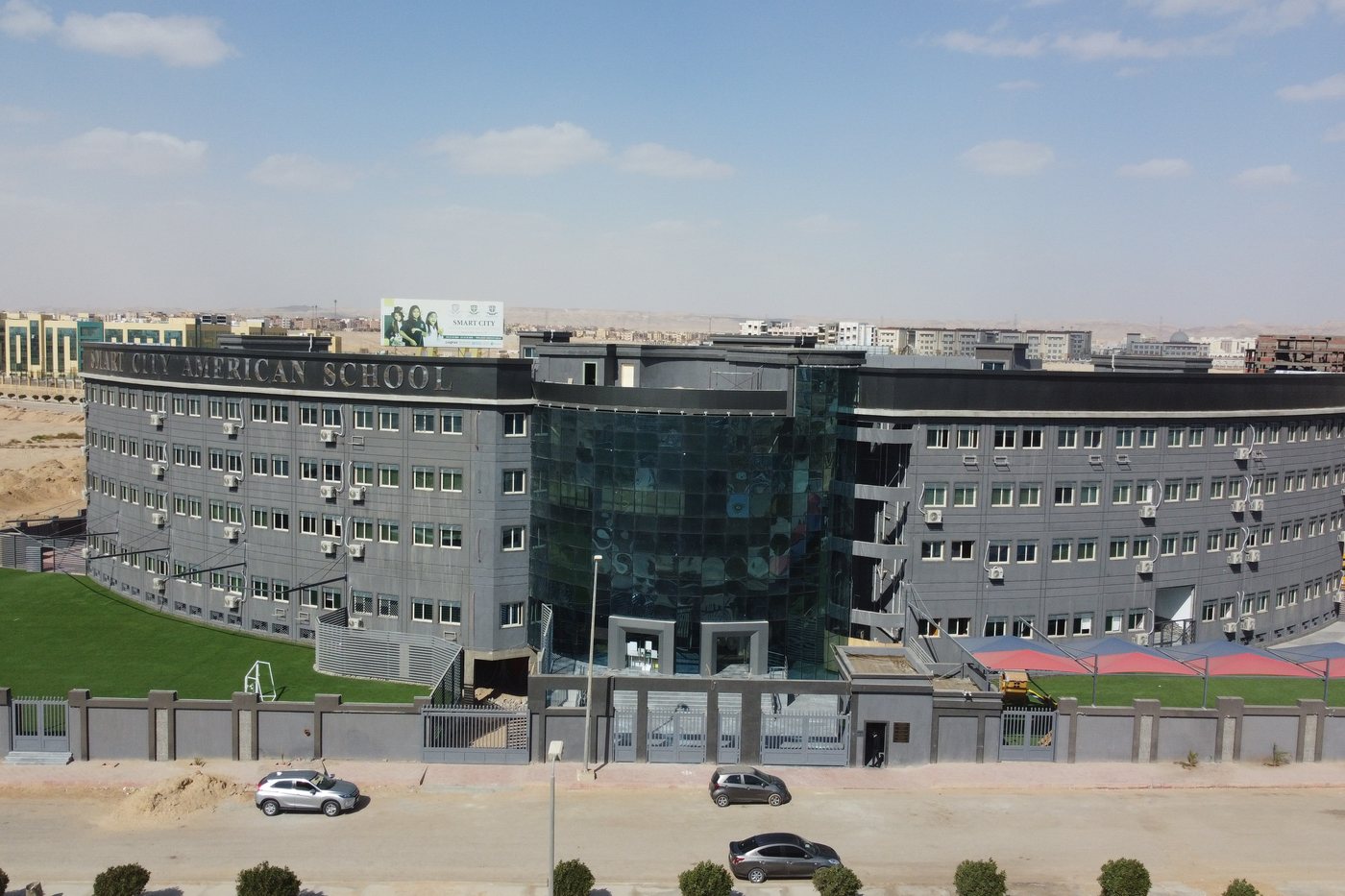
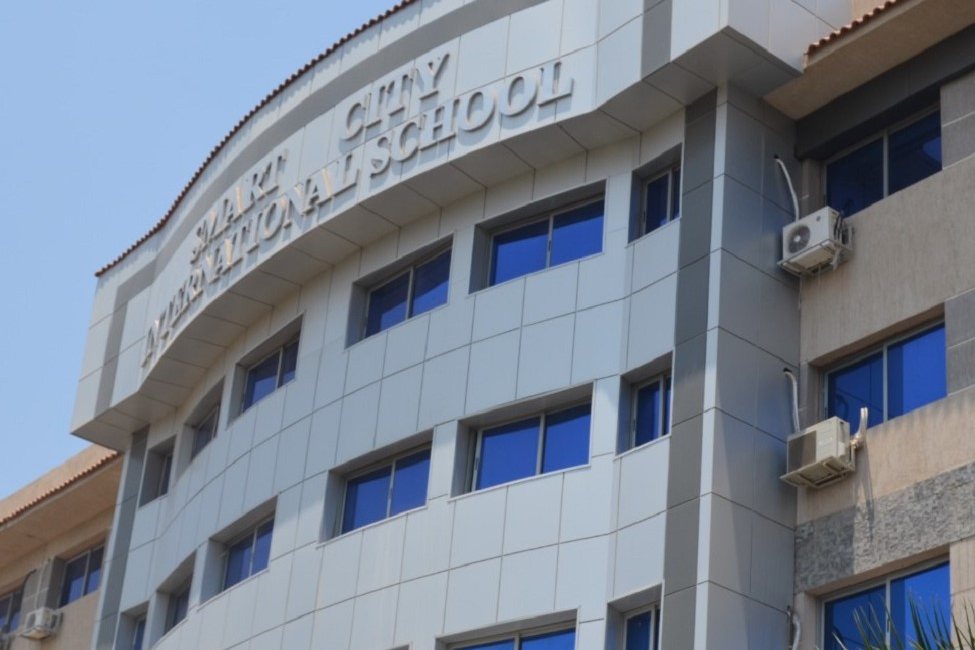
The same IT Department, supporting every Smart City International Schools location.

For anything urgent, use the Contact Book above to find the right person for your campus. For everything else, reach us directly.
Open a tech-support ticket — it takes a minute, needs no login, and you'll get a number to track it. For anything urgent, the Contact Book gets you to the right person fastest.
Submit a ticket